Find Symbol


|
Find Symbol |
|
|
To search for a symbol can be done different ways:
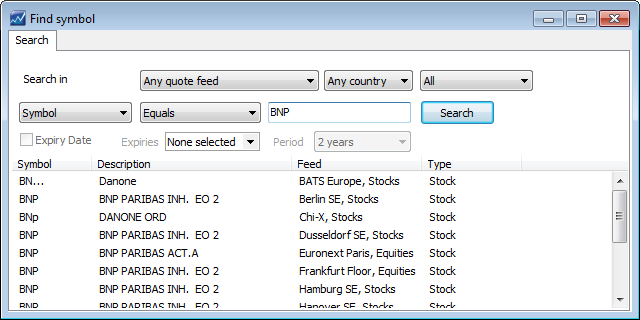
Find Symbol Window The Find Symbol Window enables you to search for all symbols available on your account. The following criteria are available in order to filter and narrow your search:
Type in the name / ticker etc you wish to search for and click on the "Search" button, e.g "BNP".
|